







Flow
BetaA personal assistant for conversation, calendar and your next action.
Sign in with an email code or passkey.
 Open on your phone: scan the code.
flow.purceas.com
- Pricing
- No public pricing
- Account
- Account needed
- Platforms
- Web · PWA
- Verified
What it does
Organise your day in Chat and Calendar. Data is saved on the device first and syncs when you connect.
Why it matters
Plans, notes and questions about your day have one place.
Who it is for
For people who want to organise tasks and their calendar through conversation.
The experience
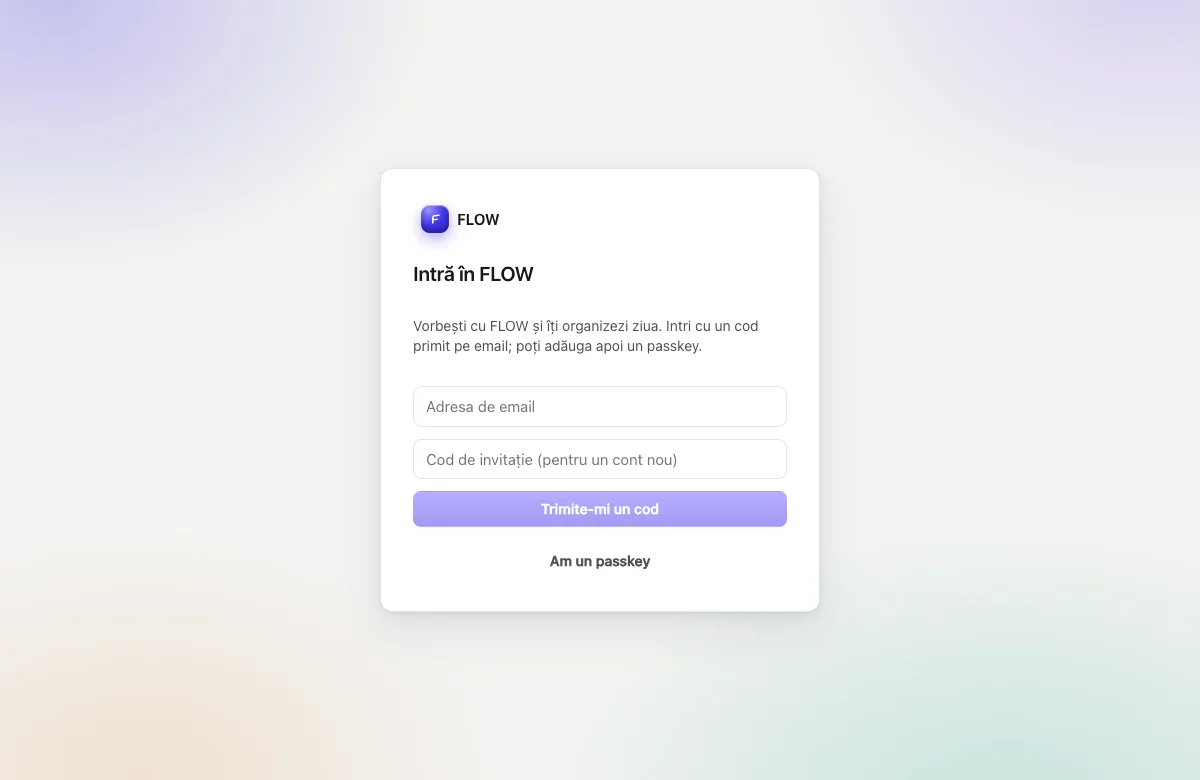
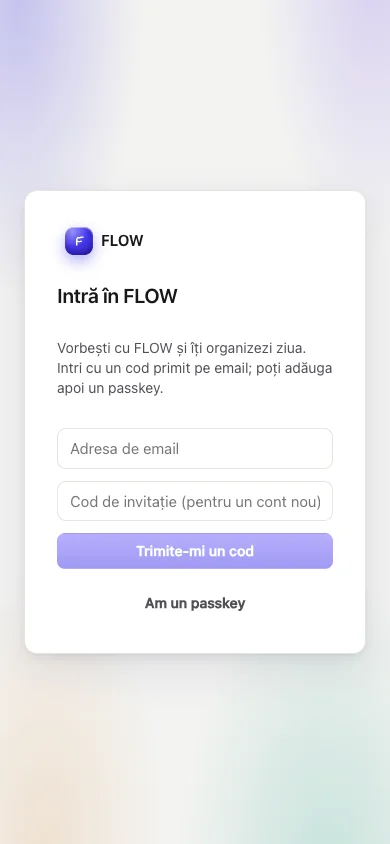
What it actually looks like.
The public Flow sign-in screen.
Features
What you can do with it.
- Chat and calendar in the same app
- Tasks and notes with local storage and sync
- Install from the browser as a PWA
How to start
Three steps.
- 01Open Flow and sign in with an email code or passkey.
- 02Add a task or open the calendar.
The first step that countsFirst task added.
Stage and limits
The real stage: Beta.
You can use it; it still changes. Sign in with an email code or passkey.
The limits, said plainly
- Cloud AI depends on connectivity and account settings.
Support and community
Questions, known issues, ideas and roadmap for Flow, on Purceas Fanbase — answered by the team.
Pricing
What it costs.
Public pricing is unavailable.
Source: Flow README, lansare și facturare